Sky Viper Video Viewer 2.01.2
Publisher Description

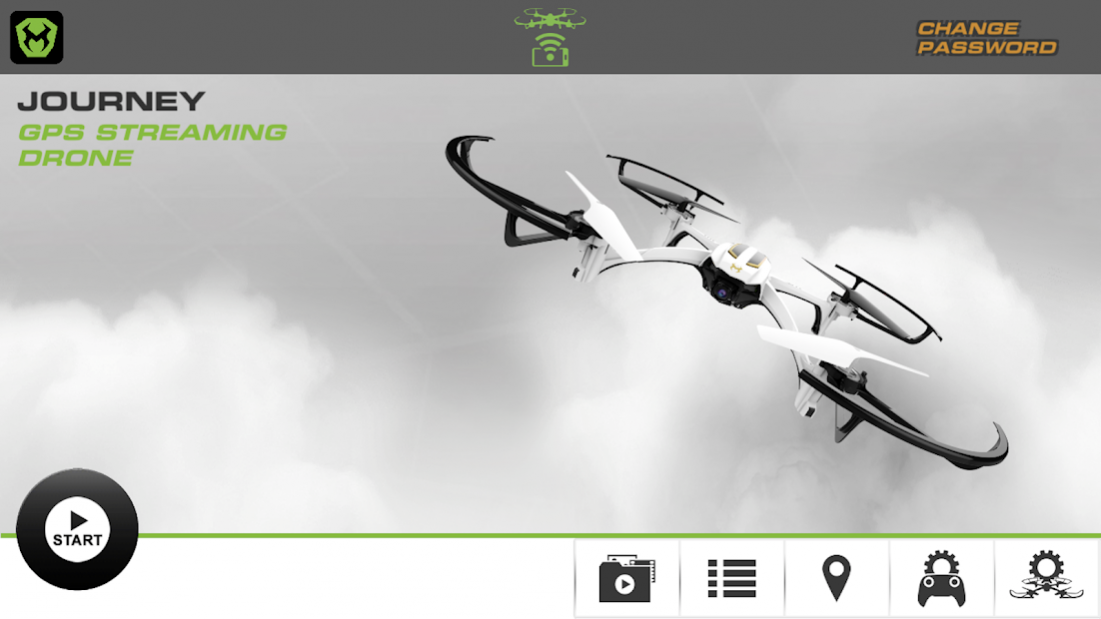
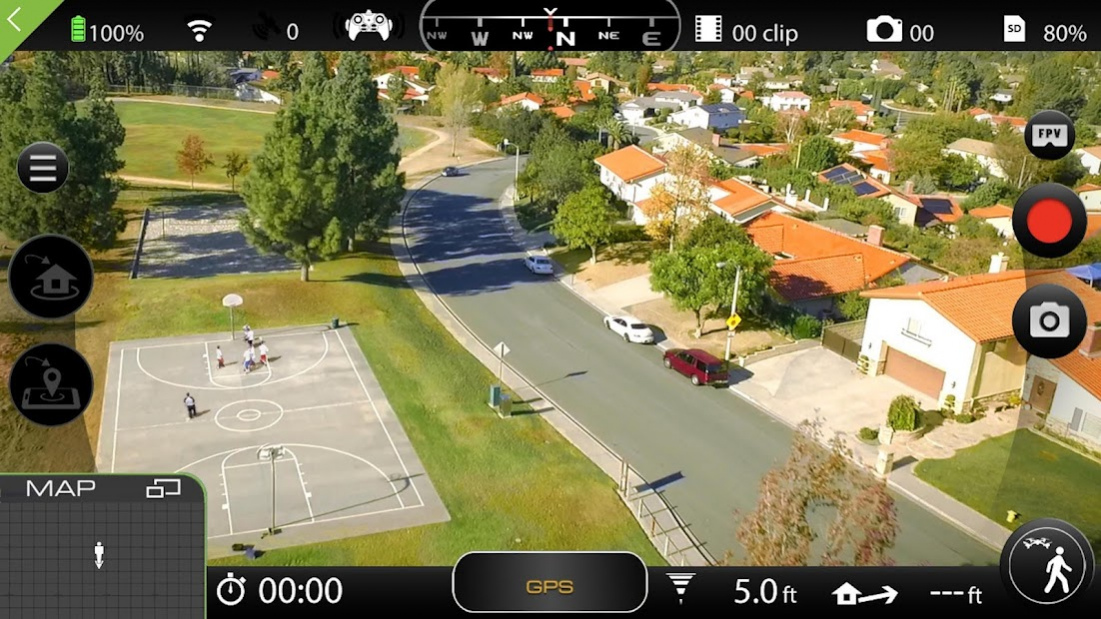

Capture Amazing Aerial Pictures & Videos and perfect your piloting skills with the new and improved Sky Viper Video Viewer 2.0 app!
FEATURES
Stream live video to your smart device by connecting a supported Sky Viper drone. Supported drones include:
• Journey Streaming GPS Drone
• Scout Streaming Drone
• v2470 Streaming Drone
Configure your drone's flight profiles with a selection of flight modes and speeds.
Explore automated flight features (Journey Streaming GPS Drone only):
• Enable Follow Me mode for hands-free video on the move!
• Set up and execute waypoint missions from the map view.
Capture and save photos to your media gallery and access them at anytime. No drone connection required!
Access your complete flight activity log anytime with real time flight records.
About Sky Viper Video Viewer 2.0
The company that develops Sky Viper Video Viewer 2.0 is Skyrocket, LLC. The latest version released by its developer is 1.2. This app was rated by 3 users of our site and has an average rating of 3.2.
To install Sky Viper Video Viewer 2.0 on your Android device, just click the green Continue To App button above to start the installation process. The app is listed on our website since 2018-09-18 and was downloaded 522 times. We have already checked if the download link is safe, however for your own protection we recommend that you scan the downloaded app with your antivirus. Your antivirus may detect the Sky Viper Video Viewer 2.0 as malware as malware if the download link to com.skyrocket.skyviper2018 is broken.
How to install Sky Viper Video Viewer 2.0 on your Android device:
- Click on the Continue To App button on our website. This will redirect you to Google Play.
- Once the Sky Viper Video Viewer 2.0 is shown in the Google Play listing of your Android device, you can start its download and installation. Tap on the Install button located below the search bar and to the right of the app icon.
- A pop-up window with the permissions required by Sky Viper Video Viewer 2.0 will be shown. Click on Accept to continue the process.
- Sky Viper Video Viewer 2.0 will be downloaded onto your device, displaying a progress. Once the download completes, the installation will start and you'll get a notification after the installation is finished.
Program Details
System requirements
Download information
Pricing
Version History
version 1.2
posted on 2018-09-18
Zoom in on map bug fix
